
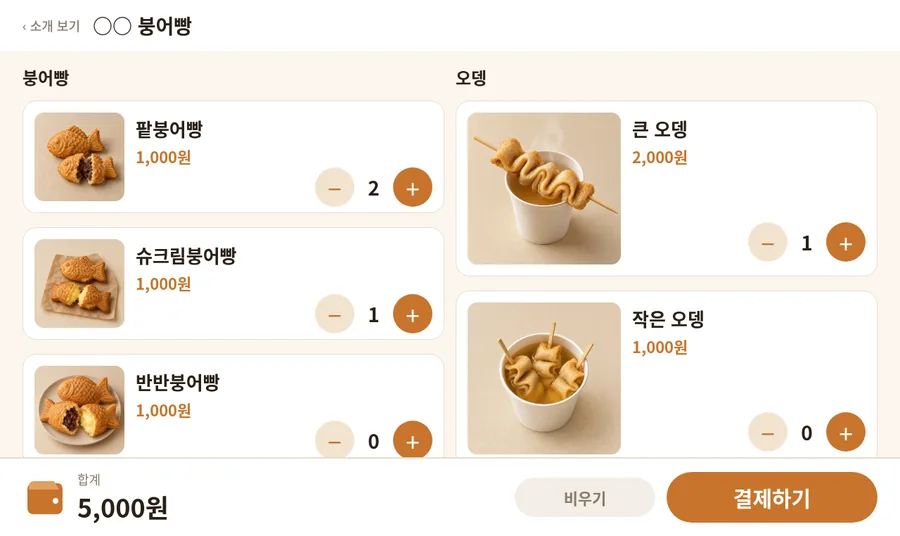
It is made automatically from your company and contact information without a PDF.
PromotionPaid
소상공인 키오스크 · 붕어빵·오뎅
소상공인 키오스크 · 붕어빵·오뎅
Made with basic information—no PDF needed.
How to get started
Upload your PDF in Ebook management; it becomes page images and is published at once.
Share it by link or QR. Save basic information once and it is filled in automatically.
How to use an ebook
Desktop
Use the arrows or ← → keys to turn pages. The toolbar lets you zoom, view all pages, and jump to a page.
Mobile
Tap the ebook once to show controls, then swipe left or right to turn pages.
Make your ebook with this template
You can start free after signing up.
Community
Leave the first review
Tell others about your experience using this template.
Log in to write a review