
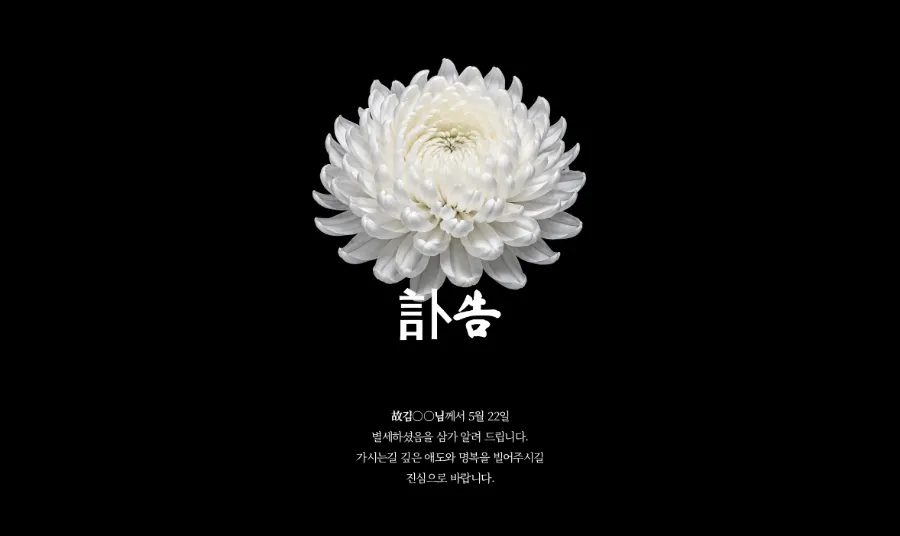
Just enter the name, funeral period and funeral hall address. The cover is already set and no PDF is needed.
EventsFree
Mobile obituary notice (Dark)
모바일 부고장 (다크)
A mobile obituary notice you can build on one phone in about ten minutes and send by messenger. Guests see who, when and where on the first screen and open directions in a map app.
Recommended forMobile obituary noticeThank-you notice after the funeral
Made with basic information—no PDF needed.
Finish in ten minutes with the Dark cover
Naver and Google Maps direction buttons and address copy
Funeral period, encoffining, burial dates organized for you
The same link can turn into a thank-you notice
How to get started
The guest page is ready as soon as you save, with dates in order.
Send the link with [Send notice]. After the funeral, switch the same link to a thank-you notice.
Guest page
Directions
Naver and Google Maps buttons open directions to the funeral hall in the map app. The address can be copied too.
Mobile
It is a single page you scroll from top to bottom. Most guests open it on a phone. It stays at a centered 480px width.
Make your ebook with this template
You can start right after signing up.
Community
Leave the first review
Tell others about your experience using this template.
Log in to write a review